1. Time Tracking is the Industry Standard
For hourly jobs, the “deliverable” is literally the freelancer’s time. Because time is invisible, platforms use tracking to make it tangible and auditable.
- Transparency: It proves to the client that they aren’t being billed for idle time.
- Protection: It protects the talent by providing a “Work Diary” that proves they were actually working if a client tries to skip out on the bill.
- Accountability: Most premium platforms (Upwork, Hubstaff, Toptal) use tools that take random screenshots or track activity levels (keyboard/mouse) to validate the hours.
2. The Standard “Hourly Milestone” Workflow
In a non-escrow, Direct Pay model, the flow almost always follows this weekly rhythm:
| Phase | Day | Action |
| Logging | Mon – Sun | Talent logs hours via a tracker (screenshots/notes). |
| Submission | Sun Night | The “Timesheet” (Milestone) is automatically or manually submitted to the client. |
| Review Window | Mon – Fri | The “Normal” Industry Buffer. The client reviews the screenshots and notes. They can “dispute” specific hours if they see the talent was on social media or working for another client. |
| Auto-Approval | Friday Night | If the client does nothing, the hours are automatically approved. |
| Payment Trigger | Following Mon | The platform charges the client’s card and sends the money to the Talent. |
3. “Milestone” vs. “Timesheet”
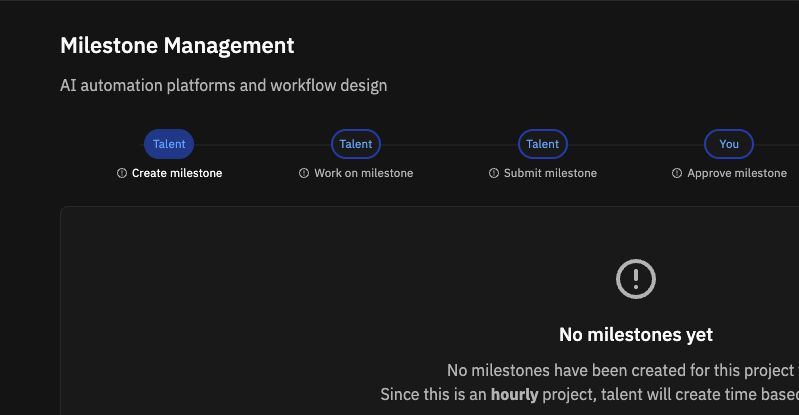
In my specific case, since I want to use Milestones for hourly work:
- Normal approach: A milestone is set for a specific week (e.g., “Week of Dec 15th – Max 20 hours”).
- Validation: The talent attaches their time report to that milestone.
- Client Approval: The client clicks “Approve Milestone,” which acknowledges that the hours recorded are correct.