
Payment is always take time and give difficult time to all product development teams.
I have planned the Talent Membership payment user flow and the Client-to-Talent payment flow based on requirements from Stripe.
Integrating the required Stripe APIs and installing the expected React packages are all complete, and the coding itself is currently in progress.
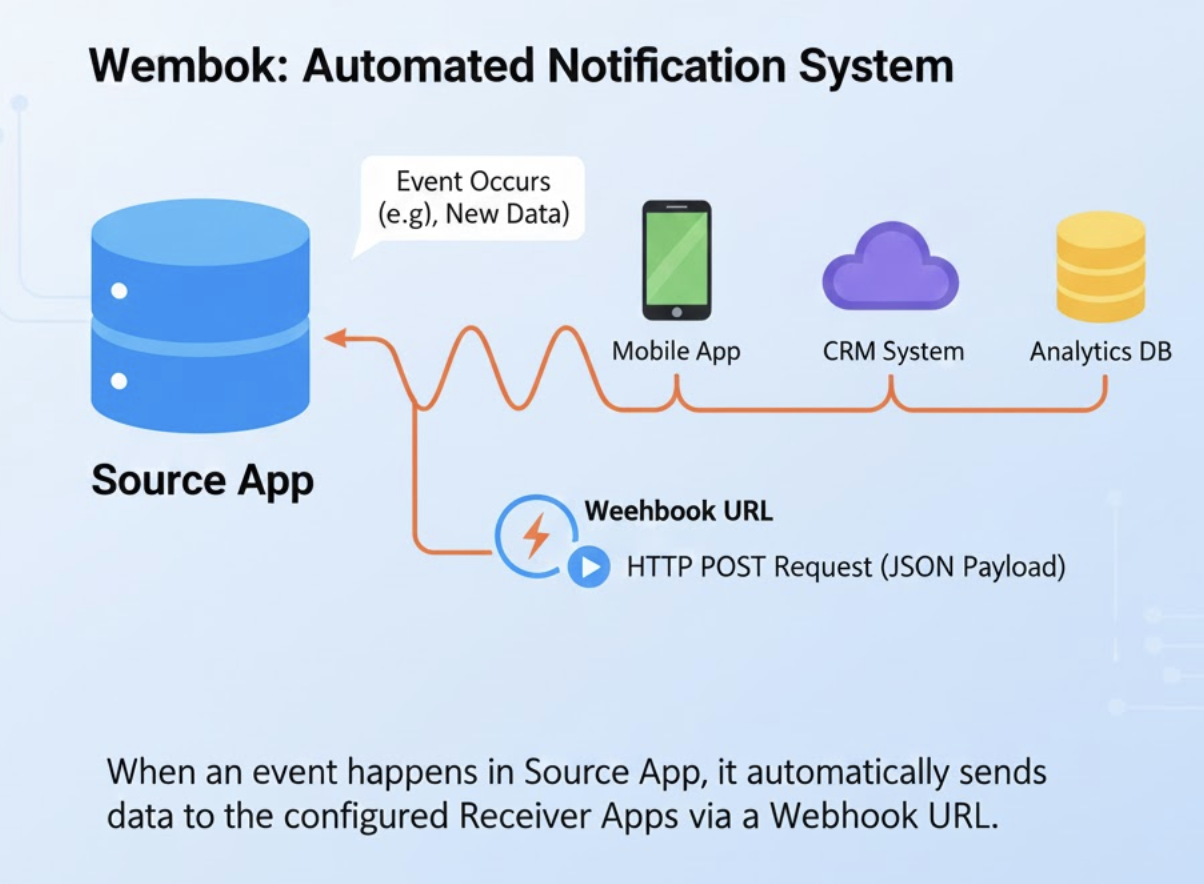
Since this is a sensitive flow and has to have near-zero errors from a security perspective, it requires a dedicated backend server. This server will solely handle the payment flow, operating behind the frontend code but between the database and the Stripe service. Achieving near-zero errors in the payment flow also requires webhooks.
Once I build the backend server and deploy the backend app, it is required at the moment. Without it, I am not even able to test the entire flow of both payments. It’s time to build the AWS instance and set up the public-facing domain.
Instead of having the test backend server, simply we can use Stripe CML which is basically recommended by the Stripe for such webhook test.
https://docs.stripe.com/stripe-cli
$ brew install stripe/stripe-cli/stripe
$ stripe login
% stripe listen --forward-to localhost:3001/api/stripe/webhookList of events from the Stripe.
| Webhook Event | What It Means | Your Backend Action (The “Why You Care”) |
checkout.session.completed | A Stripe Checkout Session has finished. This is the most important event for initial signup. | Fulfillment Trigger: Use this event to grab the customer_id and officially unlock the Pro/Expert access for the Talent user in your Supabase database. |
customer.subscription.created | A new subscription object was successfully created for the customer. | Database Sync: Store the new subscription_id in your database, linked to the customer, to track their billing cycles. |
invoice.created | Stripe created an invoice (the bill) for the subscription. | Optional: You might use this to pre-send a notification email to the customer with the invoice draft. |
invoice.paid | The payment attempt for the invoice was successful. | Confirmation: This event confirms the money was successfully collected. You can use this to send a final “Thank You/Receipt” email. |
charge.succeeded | Funds were successfully captured from the customer’s card. | Record Keeping: This is often redundant with invoice.paid and payment_intent.succeeded in a subscription flow, but confirms the charge for auditing. |
customer.subscription.updated | The subscription’s state has changed (e.g., from trialing to active). | Access Management: Crucial for managing upgrades, downgrades, or cancellations. You must update the tier field in your Supabase database here. |
invoice.payment_failed | A recurring payment attempt for a subscription invoice failed (e.g., expired card). | Retention Logic: This is critical for Dunning Management. Send the customer an email requesting an updated payment method and begin your automated retry process. |
payment_method.attached | A payment method (like a credit card) has been successfully added to a customer object. | Connect Onboarding: Useful in your Stripe Connect flow when a Talent or Client securely links their payment details. |